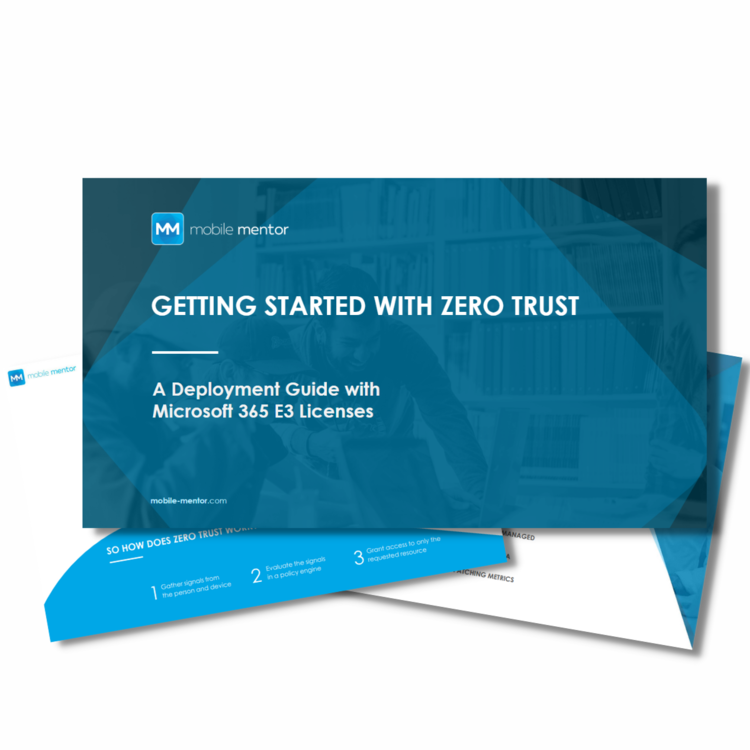
Zero Trust Deployment Guide with Microsoft E3 Licenses
Discover how your business can deploy Zero Trust effectively using standard Microsoft 365 E3 licenses, without the need for an immediate upgrade. This guide outlines a practical roadmap for organizations that want to strengthen security, improve compliance, and protect data while staying within their existing Microsoft investment. You’ll learn how far E3 can take you on the Zero Trust journey and gain clarity on the features and capabilities that become available when you eventually decide to upgrade to E5.
This resource breaks down each phase of deployment, offering a clear methodology to implement Zero Trust using E3 licenses. You’ll gain guidance on how to gather and interpret input signals across your environment — from user identities and device health to application behavior — and turn that data into actionable insights.
We’ll also show you how to build a strong policy engine that enforces conditional access, leverages identity governance, and ensures that only the right people have the right access to the right resources. With practical examples and best practices, you’ll understand how to layer these controls to minimize risk without creating friction for your users.
Finally, you’ll get targeted guidance for managing access control — balancing user experience with security and learn when an upgrade to Microsoft 365 E5 makes sense to achieve advanced automation, analytics, and adaptive protection.
Equip your IT and security teams with the knowledge to confidently deploy Zero Trust today, using the tools you already have.
Learn:
-
Methodology to deploy Zero Trust using E3 licenses
-
Guidance to gathering input signals
-
How to Build your policy engine
-
Guidance for Access Control
Get started today!