

Plan for success.
Our migration planning service is a series of workshops to build a roadmap, timeline, and best practices to make your migration successful. This work is done collaboratively through a series of workshops and meetings, typically over a period of 4 weeks. The end result is a detailed migration plan.
Less pain. More gain.
Migrations from Mosyle to Intune can be notoriously painful and often test the relationship between IT and the broader business. The challenge peaks when macOS devices must be fully wiped and manually re-enrolled into Intune, a process that can frustrate users and disrupt operations. With the right preparation, though, IT teams can reduce downtime and deliver a smooth transition that keeps both employees and leadership confident in the move.


Here is our 5-step approach to a typical a Mosyle to Intune migration project:
- 1
Assess current environment to review security policies, device profiles and compliance rules
- 2
Review use cases, device inventory, ownership, app portfolio
- 3
Perform a gap analysis to see how your use cases can be replicated in Intune
- 4
Draft migration plan with the ideal sequence, technical dependencies and best practices for user comms
- 5
Workshop to review the draft plan, iterate and deliver a final report

A good migration plan will ensure you are successful

“Very thorough, very impressive, and very helpful. I like that you summed it all up for us and it is very clear what our next steps are. Excellent bang for the buck.”
Schedule a free migration consultation!
Contact a Mobile Mentor expert today
Mobile Mentor is Microsoft’s 2021 Partner of the Year for Endpoint Management. Our engineers are certified by Microsoft, Apple and Google.
Complete our contact form below and one of our consultants will get back to you within 24 hours.
Featured

Microsoft Intune Advanced Analytics: What IT Teams Can Actually Do With It
Advanced Analytics builds on Endpoint Analytics to give IT teams deeper visibility into endpoint performance, battery health, anomalies, device events, and device configuration. It also adds capabilities such as near real-time Device Query and fleet-wide Device Query using Kusto Query Language (KQL).
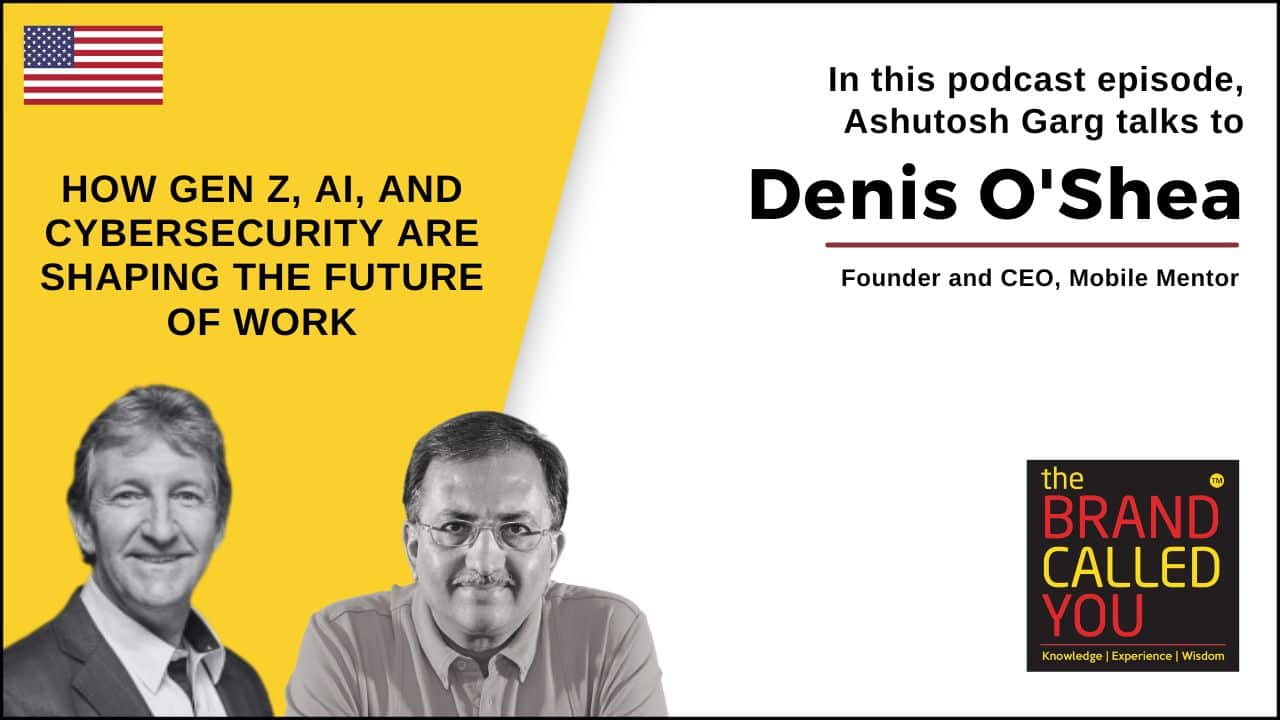
Denis O’Shea of Mobile Mentor on The Brand Called You Podcast
In this episode of The Brand Called You, host Ashutosh Garg speaks with Dennis O’Shea, Founder and CEO of Mobile Mentor, about the evolution of mobile technology, AI strategies, cybersecurity, and the impact of Gen Z in the workplace. Packed with leadership insights and actionable takeaways, this conversation is a must-listen for entrepreneurs, technology leaders, and professionals preparing for an AI-driven world.

The AI Enablement Gap: Why AI Adoption Depends on More Than Access
The 2026 Endpoint Ecosystem Study reveals a growing gap between AI adoption and workforce readiness. Learn how role-based training, data readiness, governance, and practical use cases can close it.


