
Do you have a plan to successfully migrate from MaaS360 to Intune?
Our migration plan gives you a roadmap, a timeline, and best practices to migrate from MaaS360 to Intune.
We assess your MaaS360 environment, identify gaps and dependencies and then create a tailored migration plan. You will receive a deployment roadmap, timeline and best practice guide for user communication.
Migrating to Intune requires that you reconsider your security policies, device management profiles and compliance rules. You also need to consider the impact to employees and contractors.
A poor migration may wipe all data from your employees’ devices or may require your employees to manually enroll into a new device. A poor migration experience will frustrate users and waste time.
MAAS360 TO INTUNE MIGRATION PLAN
Less pain. More gain.
Less pain. More gain.
MDM migrations are notoriously painful and often challenge the relationship between IT and the business. This is especially true when devices need to be fully wiped and manually enrolled into the new system.
These migrations are highly disruptive for end users and frustrating for business leadership. Some of this pain is unavoidable, but good planning and preparation will make the project as smooth as possible.


Here is our 5-step approach to a typical a migration project:
- 1
Assess current environment to review security policies, device profiles and compliance rules
- 2
Review use cases, device inventory, ownership, app portfolio
- 3
Perform a gap analysis to see how your use cases can be replicated in Intune
- 4
Draft migration plan with the ideal sequence, technical dependencies and best practices for user comms
- 5
Workshop to review the draft plan, iterate and deliver a final report

A good migration plan will ensure you are successful

“Very thorough, very impressive, and very helpful. I like that you summed it all up for us and it is very clear what our next steps are. Excellent bang for the buck.”

Failing to plan is planning to fail
Avoid a failed migration, frustrated employees and lost credibility by proactively planning your migration with an industry expert.
Switching to an MDM can reduce costs, increase security, and improve your user experience, but it needs to be done right.
Since 2004, Mobile Mentor has helped with countless migrations between all the major MDM technologies, most recently helping customers to move to Microsoft Intune.
Mobile Mentor is a Microsoft Gold partner, and our engineers are certified by Microsoft, Apple and Google. You are in safe hands.
GET IN TOUCH
Contact a Mobile Mentor expert today
Mobile Mentor is Microsoft’s 2021 Partner of the Year for Endpoint Management. Our engineers are certified by Microsoft, Apple and Google.
Complete our contact form below and one of our consultants will get back to you within 24 hours.
Featured

Identity Is the New Security Perimeter: Preparing for an AI Workforce
Today's digital workplace includes employees, contractors, devices, SaaS applications, automated workflows, and increasingly, AI agents. As businesses embrace Microsoft Copilot, autonomous agents, and AI-powered workflows, identity is rapidly becoming the control plane for the entire enterprise.
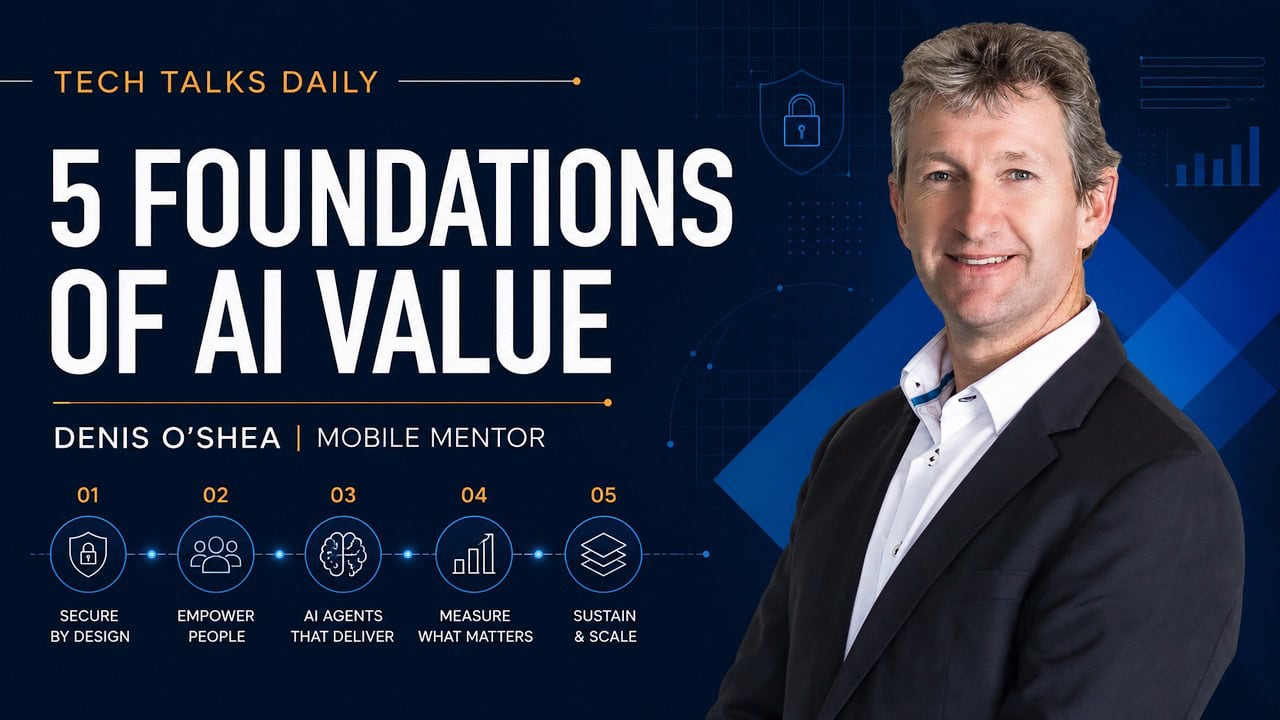
Denis O’Shea of Mobile Mentor on Tech Talks Daily Podcast
On The Tech Talks Daily podcast, Mobile Mentor CEO Denis O’Shea discusses findings from the 2026 Endpoint Ecosystem Study and shares lessons from Mobile Mentor’s own AI journey. The conversation explores the growing gap between AI adoption and AI enablement, including data readiness, employee training, security, shadow AI and the challenges of measuring return on AI investments.

Are Employees Uploading Sensitive Company Data to ChatGPT? How to Prevent AI Data Leakage
Generative AI is changing how employees work. People use ChatGPT, Claude, Microsoft 365 Copilot and other AI tools to analyze data, summarize documents, write content and solve problems. But there's a growing data security question businesses need to answer: Are employees putting sensitive company information into AI tools?


