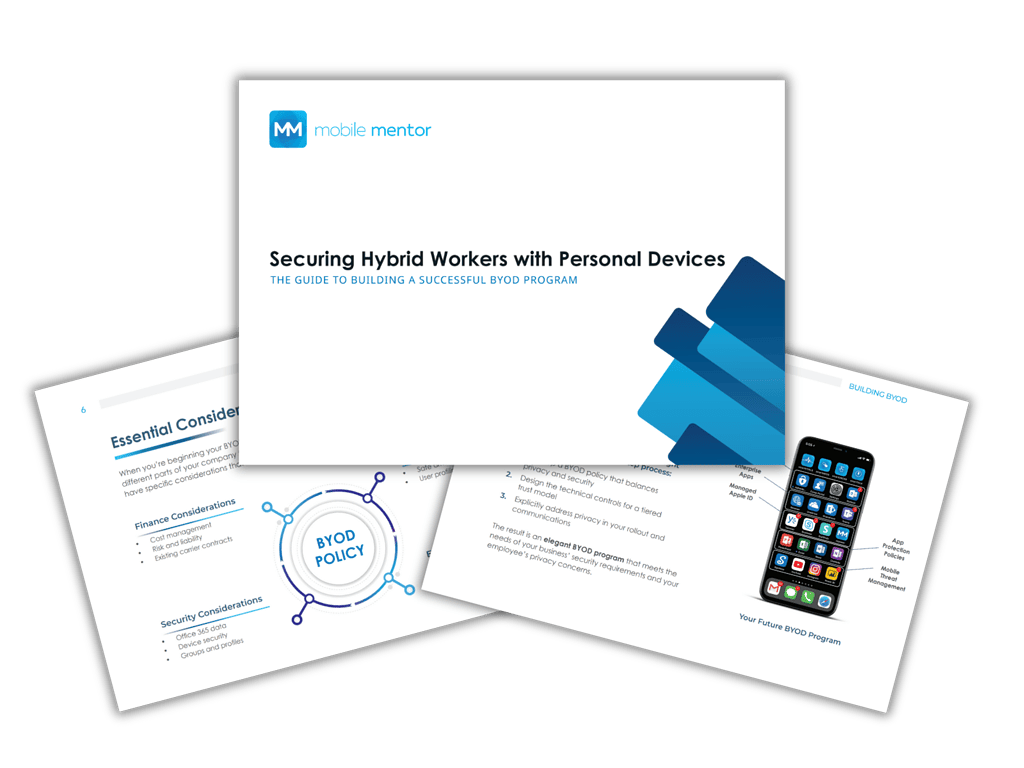
BYOD Guide | Securing Hybrid Workers with Personal Devices
The Guide to Building a Successful BYOD Program
Embracing hybrid work with personal devices.
Hybrid work has redefined how people connect and collaborate and personal devices are now central to that shift. Millions of employees use their own laptops and smartphones to access company email, Microsoft Teams, and OneDrive every day. This flexibility helps businesses reduce hardware costs, empower employees to work from anywhere, and improve overall satisfaction.
However, a Bring Your Own Device (BYOD) approach also introduces significant risks if not properly managed. Without clear policies and modern security controls, sensitive company data can easily be exposed through unsecured apps, outdated software, or personal networks. The challenge for IT leaders is to enable productivity and freedom, without compromising compliance or data protection.
Our latest guide breaks down how to design and implement a BYOD program that achieves both security and employee experience. You’ll learn how to:
- Create Balanced BYOD Policy Guidelines – Define what’s acceptable and what’s protected while respecting employee privacy.
- Determine Your Tiered Trust Model – Segment access based on device compliance, identity verification, and sensitivity of data.
- Establish the Right Method of Management – Use modern endpoint management tools like Microsoft Intune to apply the right level of protection without disrupting usability.
With the right approach, your BYOD program can become a competitive advantage by combining flexibility, security, and cost efficiency in one cohesive strategy.