
Microsoft Copilot has quickly become one of the most exciting technologies in the modern workplace. Businesses are investing in AI to improve productivity, reduce repetitive work, and help employees accomplish more in less time. But while the technology is impressive, many are asking the wrong first question.
Instead of asking, “Which Copilot license should we buy?”, the better question is, “Are we actually ready for Copilot?”
The businesses seeing the greatest success aren’t simply assigning licenses and hoping for the best. They’re taking the time to evaluate their Microsoft 365 environment, identify high-value use cases, prepare employees for new ways of working, and establish governance that will support AI for years to come.
Who really needs a Copilot license?
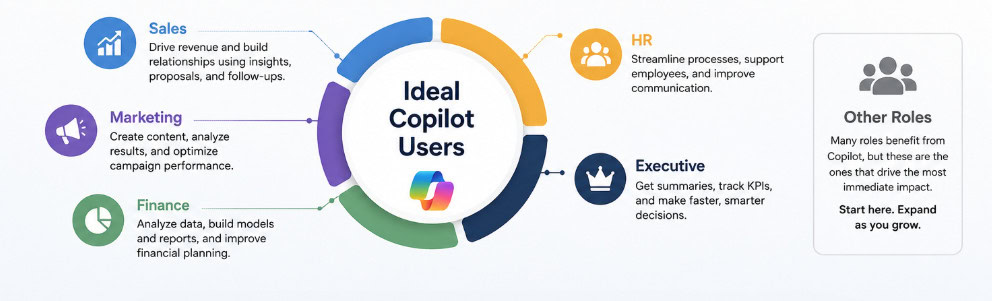
One of the biggest misconceptions is that every employee should receive a Copilot license from day one. In reality, the fastest return on investment comes from employees who spend much of their day working in Microsoft 365.
These users typically see the greatest productivity gains:
That doesn’t mean other employees won’t benefit in the future. But a phased rollout allows businesses to measure success, gather feedback, and build momentum before expanding to additional departments.
Choosing the right Copilot license
Microsoft now offers multiple Copilot options, each designed for different scenarios. Understanding what your employees actually need is just as important as understanding what’s included in each license.
For most businesses, the decision starts with Microsoft 365 Copilot, but additional capabilities, such as Copilot Chat, Copilot Studio, and security-focused AI experiences, may also play a role depending on your business goals.
Rather than purchasing licenses based on hype, align licensing with business objectives. Ask yourself:
When licensing decisions are tied to measurable outcomes instead of curiosity, it’s much easier to demonstrate ROI.
Is your Microsoft 365 environment ready?
Copilot doesn’t create new security risks, it shines a light on existing ones.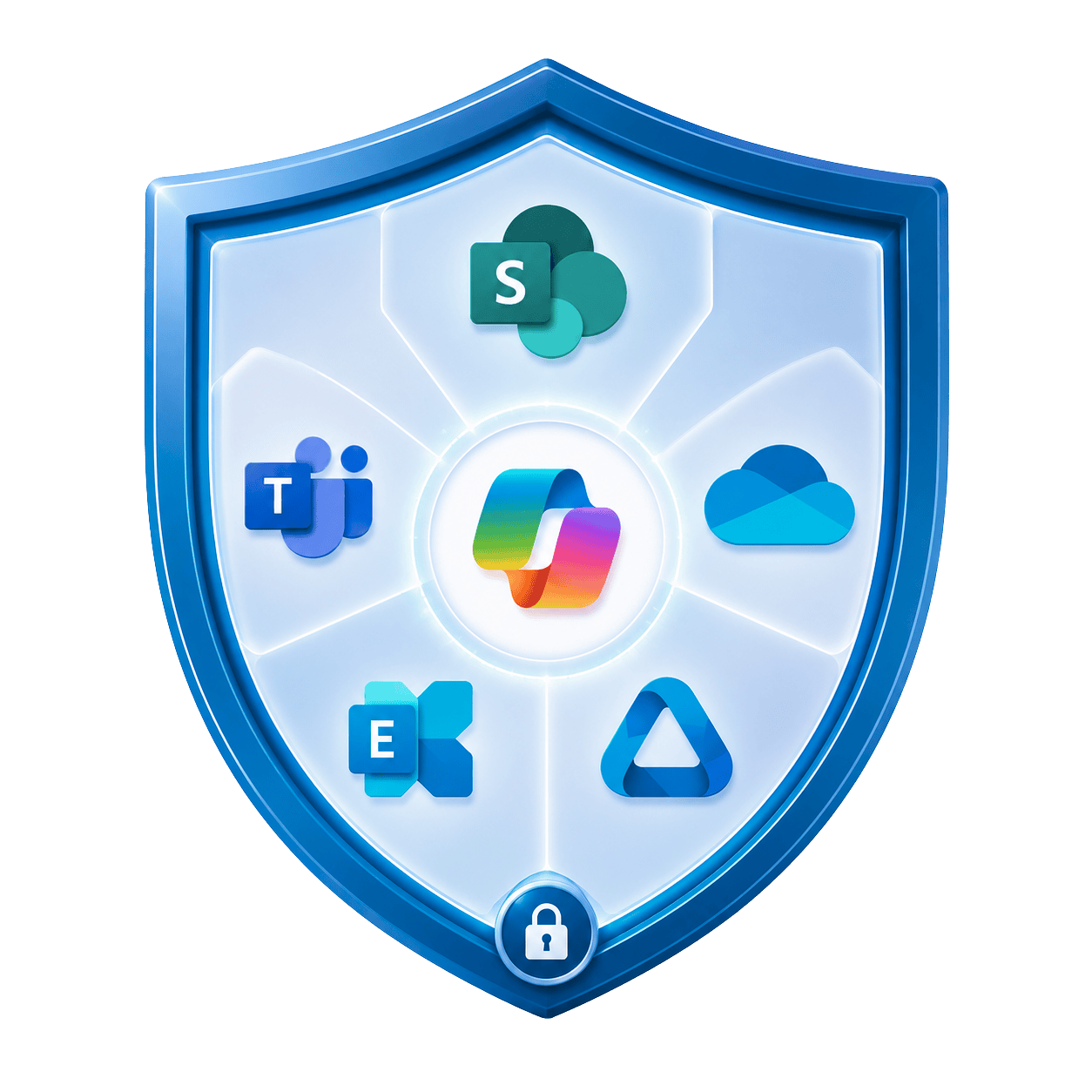
If users already have access to files they shouldn’t, Copilot simply makes that information easier to discover through natural language prompts. That’s why data readiness should be one of the first conversations before any licenses are assigned.
Before rolling out Copilot, organizations should review areas such as SharePoint permissions, Microsoft Teams membership, external sharing policies, sensitivity labels, and Microsoft Purview protections. The goal isn’t to lock everything down, it’s to ensure employees have access to the information they need, and nothing more.
A strong security foundation builds confidence in AI and helps prevent unpleasant surprises after deployment.
Start with business use cases
One of the easiest ways to lose momentum is by introducing Copilot without a clear purpose.
Employees don’t need to know every feature. They need to understand how AI can make their jobs easier.
For example, sales teams might use Copilot to prepare for customer meetings and draft follow-up emails. Marketing teams can accelerate content creation and campaign planning. Finance teams can summarize reports, analyze spreadsheets, and prepare executive briefings. HR can streamline onboarding materials and policy documentation.
When users immediately recognize how Copilot helps with the work they already do every day, adoption happens much more naturally.
Training is what turns AI into productivity
Giving someone a Copilot license doesn’t automatically change the way they work.
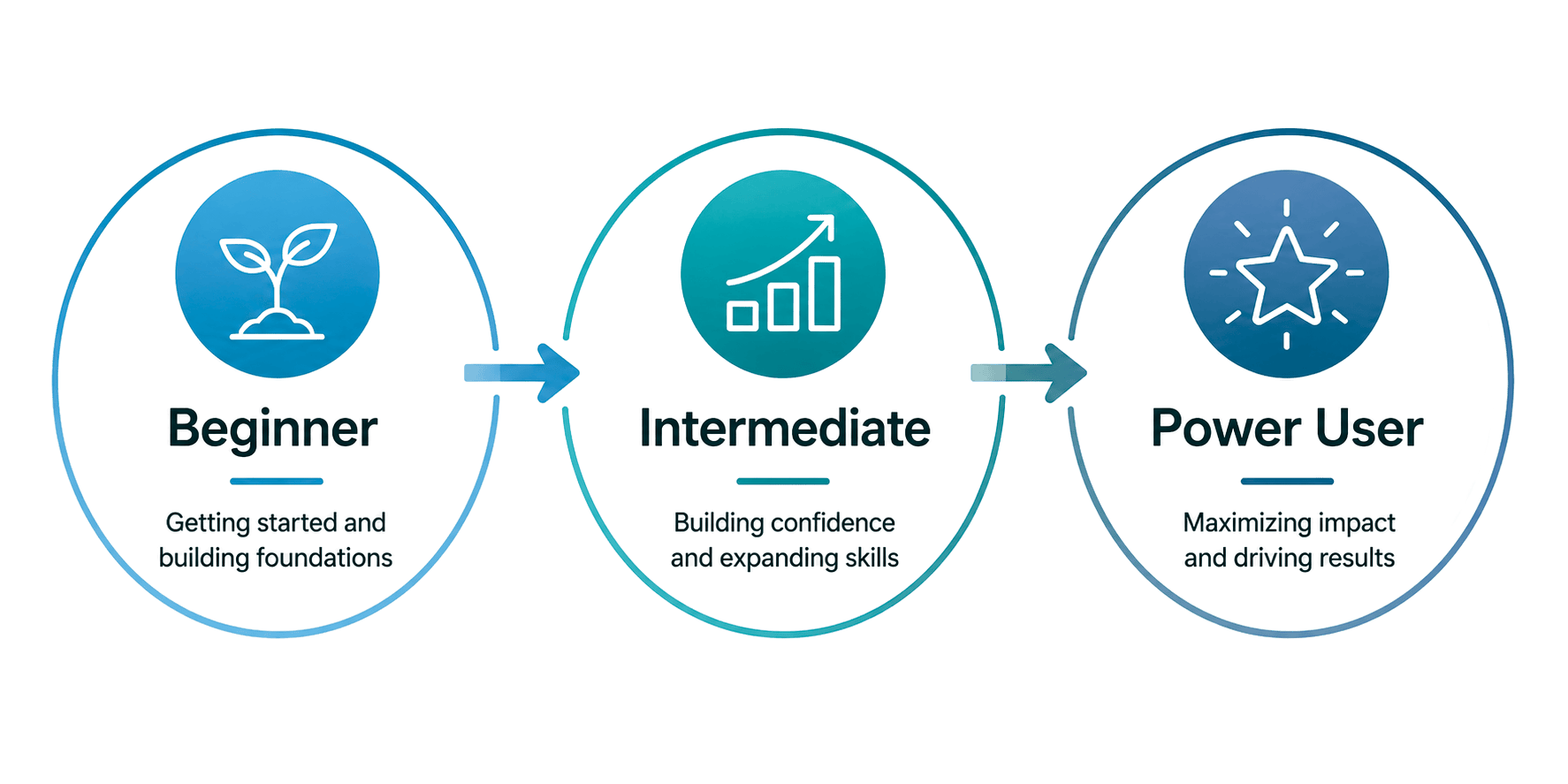
Employees need practical guidance on writing effective prompts, validating AI-generated content, and knowing when Copilot is, and isn’t, the right tool for the job. They also need opportunities to share ideas, learn from peers, and discover new use cases as they become more comfortable with AI.
Organizations that invest in ongoing mentoring consistently achieve stronger adoption than those that simply announce a rollout and expect employees to figure it out themselves.
The goal isn’t just usage. It’s confident, consistent use that produces measurable business outcomes.
Measuring ROI from day one
Every AI initiative eventually faces the same question from leadership:
“Was it worth the investment?”
The organizations that can answer “yes” are the ones that defined success before deployment.
Rather than focusing solely on license utilization, consider measuring outcomes like:
These metrics provide a much clearer picture of how Copilot is impacting the business and help identify opportunities to expand AI adoption over time.
Governance isn’t optional
As employees become more reliant on AI, organizations need clear policies around security, responsible AI usage, licensing, and ongoing optimization. Governance doesn’t have to be complicated, but it should evolve alongside Microsoft’s rapidly expanding AI capabilities.
The most successful organizations treat Copilot as an ongoing business initiative, continuously refining how AI is used, identifying new opportunities, and ensuring employees are using it securely and effectively.
AI success starts long before the first license is assigned
Microsoft Copilot has the potential to transform how people work, but technology alone doesn’t guarantee results.
Businesses that achieve the greatest success begin with a clear strategy. They identify the right users, prepare their Microsoft 365 environment, focus on meaningful business use cases, invest in user training, and establish governance that supports long-term adoption.
At Mobile Mentor, that’s exactly how we help customers approach AI. Our Copilot Readiness Assessment helps organizations understand whether their environment is ready, while our Copilot Mentoring program provides the guidance, training, and governance needed to turn AI into measurable business value.
Buying Copilot is the easy part.
Building a secure, productive, AI-powered workplace is where the real transformation begins.


Andrew Reade
Andrew is our Digital Marketing Manager and oversees web-based marketing strategies and content creation for the organization. As a marketing veteran, Andrew has worked with organizations of all sizes in a diverse group of industries, from Risk Management to Transportation. Joining the organization in 2021, Andrew is based in Mobile Mentor’s Nashville, TN office.