
Microsoft’s enterprise licensing has evolved.
What was once a straightforward choice between Microsoft 365 E3 for productivity and Microsoft 365 E5 for security has become a broader conversation about security, AI, and governance.
With Microsoft’s introduction of Microsoft 365 E7 and the continued expansion of capabilities included in E3 and E5, businesses have an opportunity to simplify licensing while preparing for the next generation of work.
The question is not Which license is cheaper?
It’s Which platform best supports where your businesses is headed?
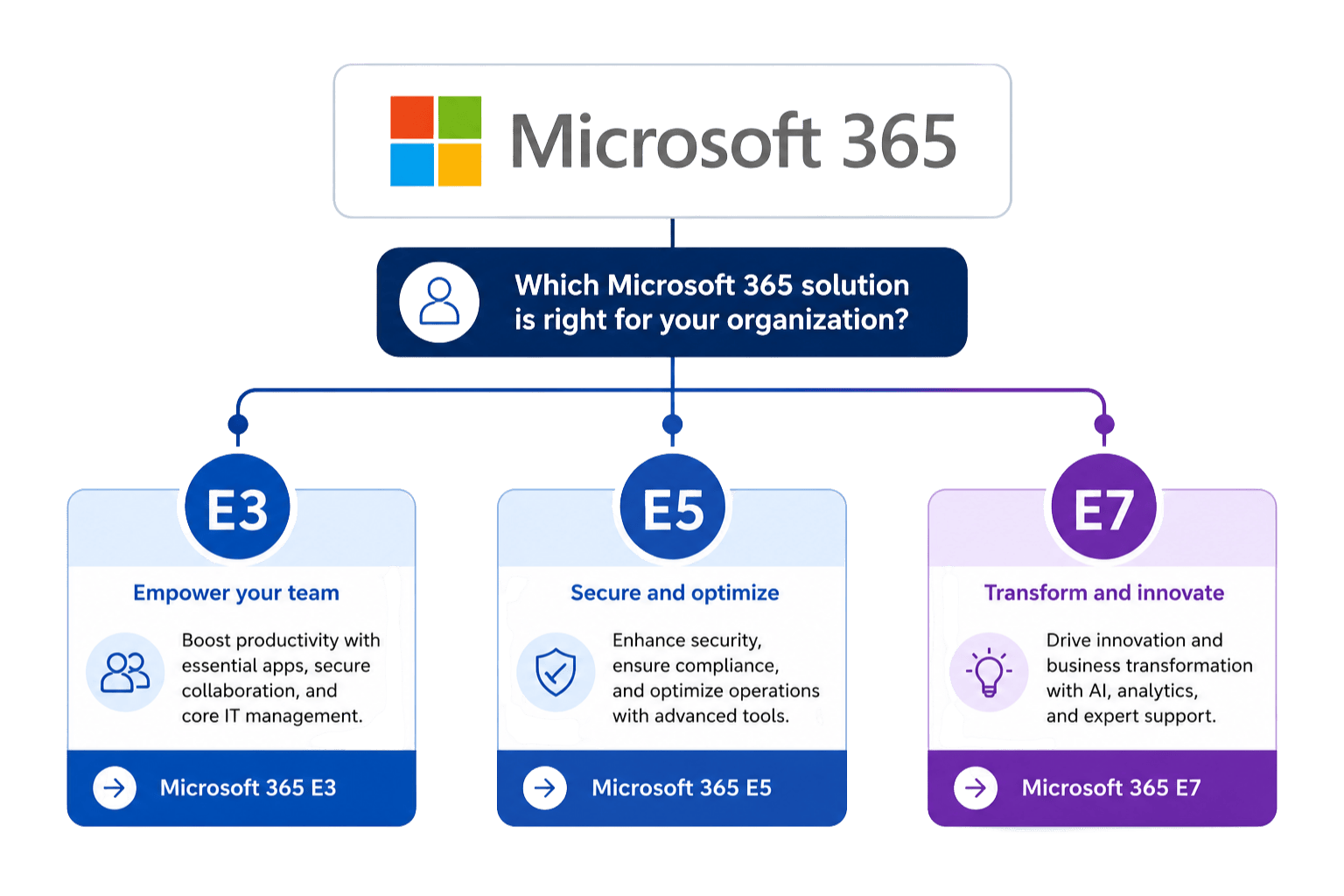
Microsoft 365 E3, The Productivity Foundation
For many businesses, Microsoft 365 E3 continues to be the right place to start.
It delivers the collaboration and endpoint management capabilities most businesses need to support a modern workforce, including:
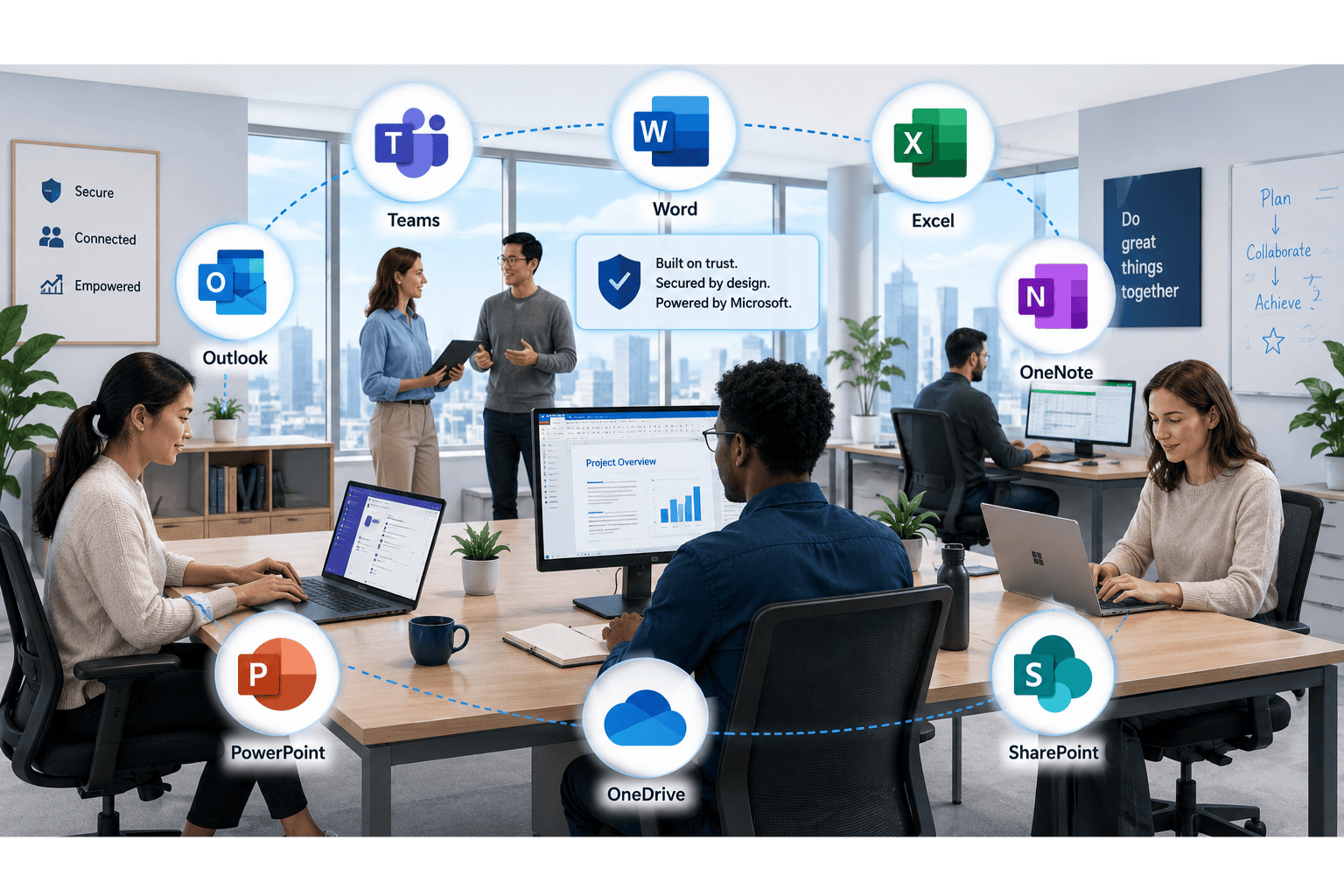
Recent Microsoft licensing updates have made E3 even more valuable by incorporating additional Intune capabilities like Remote Help and Advanced Analytics into the core license.
For businesses focused on employee productivity while building their security maturity over time, E3 provides an excellent foundation.
Best fit for:
Microsoft 365 E5, Security Without the Complexity
As cyber threats continue to evolve, many organizations find that productivity alone isn’t enough.
Microsoft 365 E5 builds on E3 by adding enterprise-grade identity protection, endpoint security, threat detection, and compliance capabilities into a single platform.
Key capabilities include:
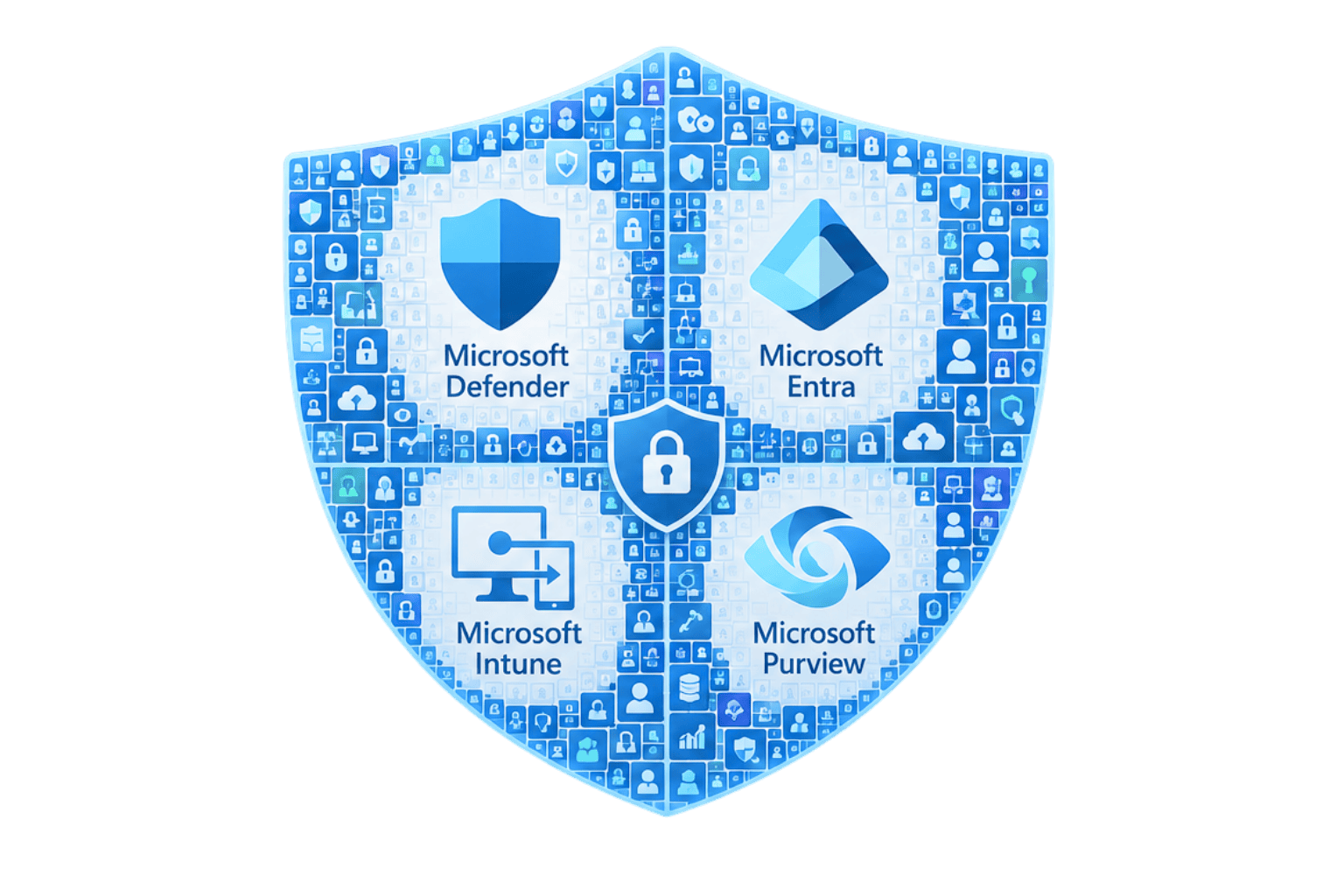
Microsoft has also expanded E5 with additional Microsoft Intune Suite capabilities, including:
Rather than stitching together multiple point solutions, E5 enables organizations to consolidate security, identity, endpoint management, and compliance into a unified Microsoft ecosystem.
Best fit for:
Microsoft 365 E7, Built for the AI Era
Artificial intelligence is changing how businesses operate.
Microsoft 365 E7 was introduced to help businesses move beyond simply using AI and begin governing it.
E7 combines:
This creates a complete platform for organizations operationalizing AI across the business..
Businesses can:
- Deploy AI agents at scale
- Manage agent identities
- Control AI access to business data
- Govern AI lifecycle management
- Monitor AI risk and compliance
As AI adoption accelerates, governance becomes just as important as capability.
That’s exactly where E7 fits.
Best fit for:
Microsoft’s Licensing Strategy Is Changing
Microsoft’s positioning has shifted significantly.
Microsoft’s positioning has shifted significantly.
| Then | Now |
|---|---|
| E3 = Productivity | E3 = Productivity |
| E5 = Security | E5 = Security + Compliance + Endpoint Management |
| — | E7 = AI + Agent Governance |
At the same time, Microsoft continues folding more capabilities into its enterprise licenses.
That means businesses can often eliminate third-party tools while simplifying licensing and reducing management overhead.
The result is a more integrated platform for productivity, security, endpoint management, and AI.
Which Microsoft 365 License Should You Choose?
Every business is at a different stage of its technology journey.
Choose Microsoft 365 E3 if…
Move to Microsoft 365 E5 if…
Consider Microsoft 365 E7 if…
Conclusion
Microsoft 365 licensing is no longer just about Office apps or security features.
It’s about selecting the right platform for where your business is today, and where it’s headed next.
As Microsoft continues integrating more capabilities across its ecosystem, businesses have an opportunity to reduce complexity, consolidate vendors, and prepare for an AI-first future.
Get in Touch With the Mobile Mentor Team to Learn More

Andrew Reade
Andrew is our Digital Marketing Manager and oversees web-based marketing strategies and content creation for the organization. As a marketing veteran, Andrew has worked with organizations of all sizes in a diverse group of industries, from Risk Management to Transportation. Joining the organization in 2021, Andrew is based in Mobile Mentor’s Nashville, TN office.