
A practical guide to simplifying security while strengthening protection
Endpoint Detection and Response (EDR) has become a cornerstone of modern security. But many organizations are still running fragmented tools (one for endpoint protection, another for identity, another for cloud apps) creating gaps that attackers exploit.
If you’re currently using Bitdefender for EDR, moving to Microsoft Defender for Endpoint isn’t just a tool swap. It’s an opportunity to consolidate, reduce complexity, and align security with how work actually happens today: across devices, identities, and cloud services.
This guide walks through how to approach that migration the right way.
Why businesses are making the switch
Bitdefender is a capable EDR platform. But it often operates as a standalone layer in an increasingly interconnected environment.
Microsoft Defender for Endpoint, on the other hand, is built into the broader Microsoft security ecosystem by spanning endpoints, identity, email, and cloud apps. That integration changes the game.
Here’s what typically drives the move:
- Consolidation over complexity
Multiple agents, consoles, and policies create operational overhead. Microsoft Defender for Endpoint reduces that by integrating directly with Microsoft 365 and Intune. - Better signal correlation
EDR is only as strong as the context around it. Microsoft Defender for Endpoint correlates signals across endpoints, identities, and cloud activity thus giving you earlier and more accurate detection. - Licensing efficiency
Many businesses already own Microsoft Defender for Endpoint capabilities within Microsoft 365 E3/E5 licenses but aren’t fully using them. - Cloud-native alignment
Security tools that depend heavily on on-prem infrastructure are becoming harder to justify. Microsoft Defender for Endpoint is designed for cloud-first environments.
What actually changes with Microsoft Defender for Endpoint
This isn’t just a new dashboard. The shift impacts how security is deployed, managed, and operationalized.
With Bitdefender, you typically have:
With Microsoft Defender for Endpoint, you get:
The result is fewer silos, and faster response.
A proven approach to migrating EDR
A successful migration isn’t about ripping and replacing overnight. It’s about controlled transition, validation, and optimization.
1. Assess your current state
Start by understanding what Bitdefender is actually doing today.
You’ll often find gaps, especially around unmanaged devices or inconsistent policy enforcement.
2. Map capabilities, not features
Don’t fall into the trap of doing a one-to-one feature comparison.
Instead, map security outcomes:
In many cases, Microsoft Defender for Endpoint doesn’t just replace Bitdefender—it expands what’s possible.
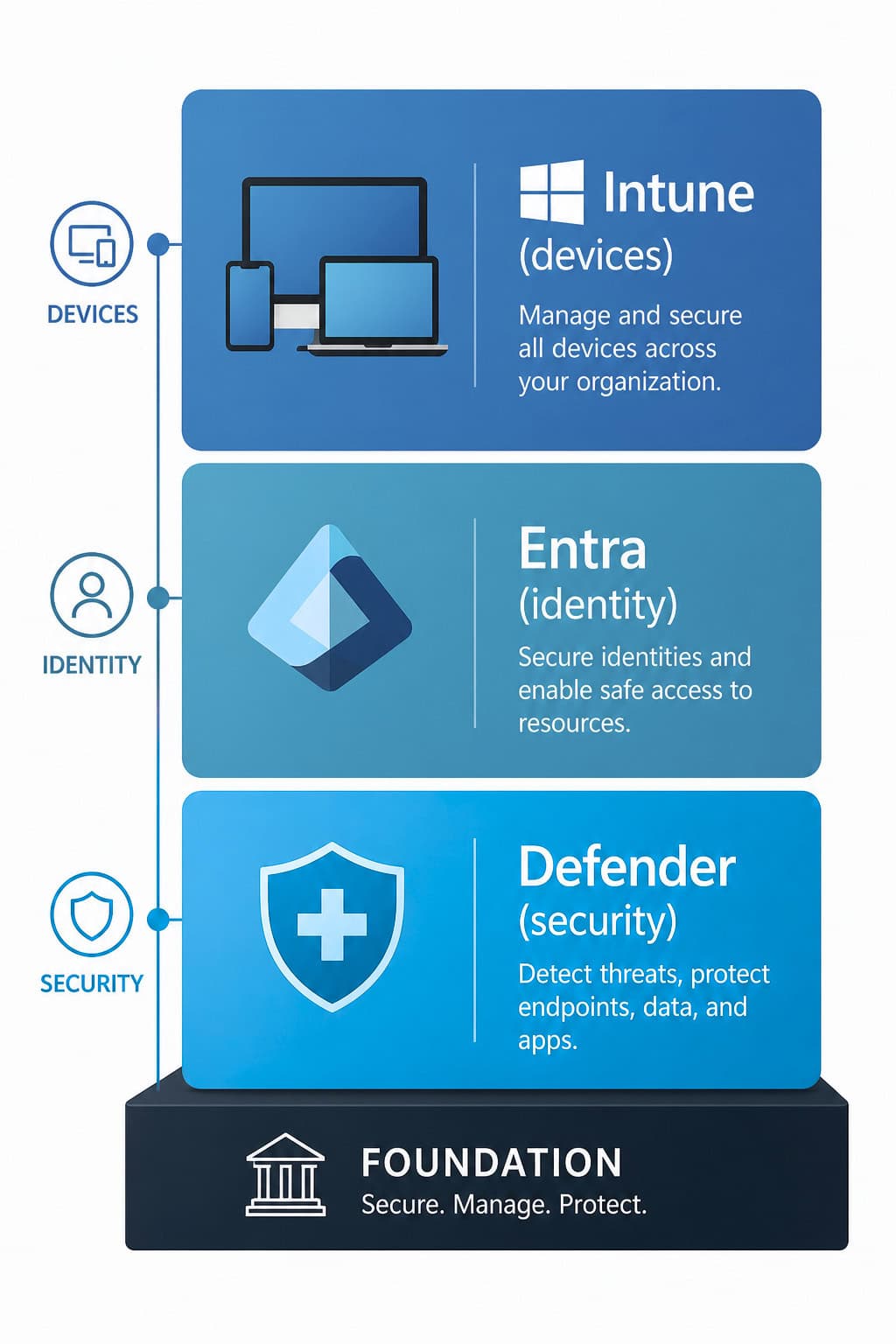
3. Prepare your Microsoft environment
Before deploying Microsoft Defender for Endpoint, make sure the foundation is ready:
This step is critical. Microsoft Defender for Endpoint works best when it’s part of a connected ecosystem.
4. Deploy Microsoft Defender for Endpoint in parallel
Avoid a hard cutover. Instead:
This gives you confidence before scaling.
5. Tune policies and automation
Out-of-the-box configurations are a starting point, not the finish line.
Focus on:
The goal is to reduce noise while improving response speed.
6. Decommission Bitdefender in phases
Once Microsoft Defender for Endpoint is validated:
A phased approach avoids disruption and ensures continuity.
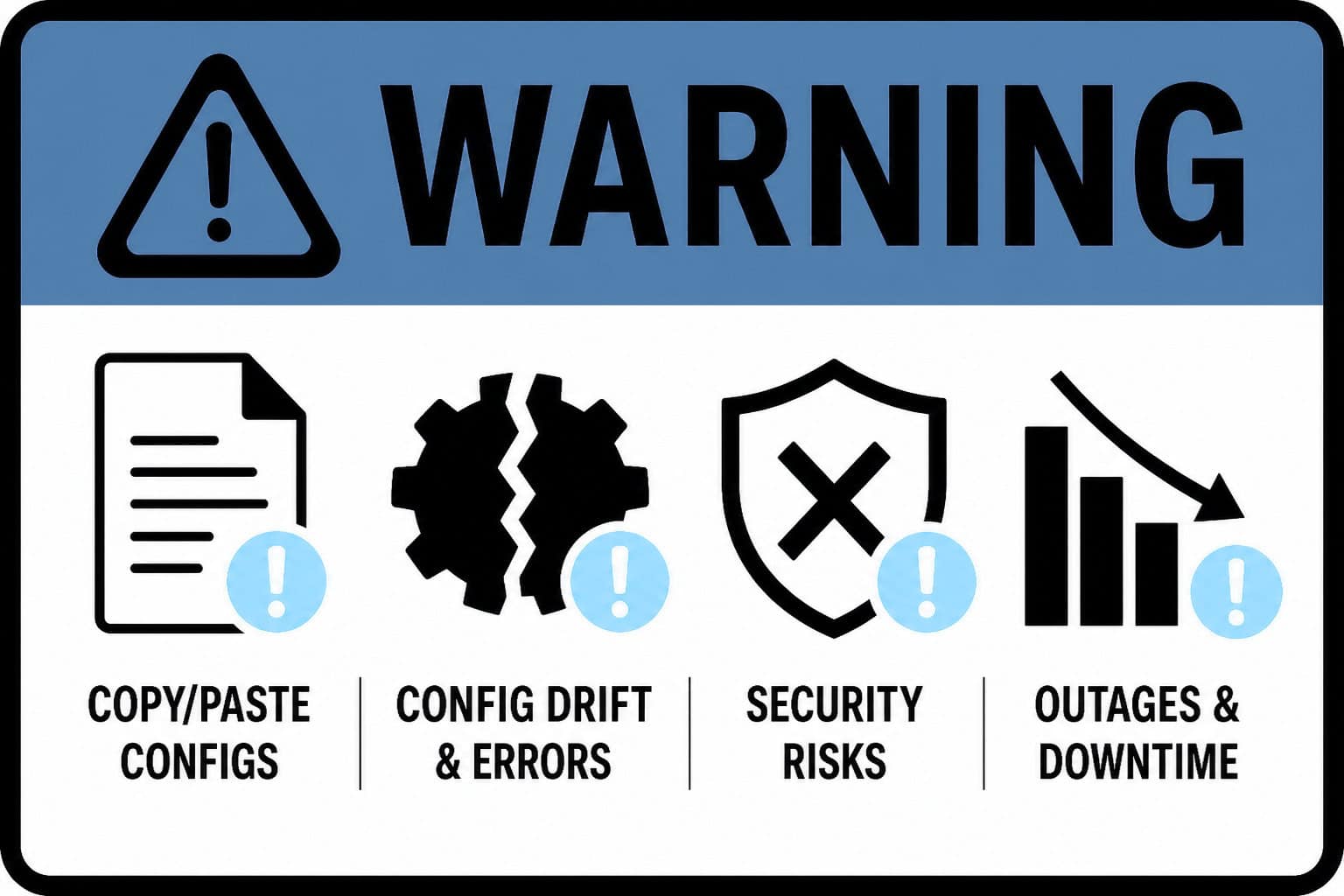
Common pitfalls to avoid
Trying to replicate legacy configurations exactly
Microsoft Defender for Endpoint is designed differently. Lean into its strengths instead of forcing old models onto it.
Skipping the identity layer
Modern attacks target users, not just devices. If Microsoft Defender for Endpoint isn’t integrated with identity, you’re missing half the picture.
Underestimating change management
Your security team will need to adapt to new workflows, dashboards, and response models.
Ignoring automation opportunities
Microsoft Defender for Endpoint’s automated investigation and remediation can significantly reduce workload, but only if configured properly.
What good looks like after migration
When the transition is done right, you’ll see:
Most importantly, security becomes more proactive and less about reacting to alerts and more about preventing incidents altogether.
Frequently Asked Questions
Conclusion
Migrating from Bitdefender to Microsoft Defender for Endpoint isn’t just about replacing EDR. It’s about modernizing your entire approach to endpoint security.
Organizations that treat this as a strategic shift (not just a technical project) end up with stronger protection, simpler operations, and a platform that scales with the business.
If you’re already investing in Microsoft 365, the question isn’t whether Microsoft Defender for Endpoint can replace your current EDR.
It’s whether you’re ready to get the full value from the security platform you already own.
LEARN MORE ABOUT MIGRATING FROM BITDEFENDER TO DEFENDER FOR ENDPOINT

Andrew Reade
Andrew is our Digital Marketing Manager and oversees web-based marketing strategies and content creation for the organization. As a marketing veteran, Andrew has worked with organizations of all sizes in a diverse group of industries, from Risk Management to Transportation. Joining the organization in 2021, Andrew is based in Mobile Mentor’s Nashville, TN office.