
Endpoint Detection and Response (EDR) has become an essential part of every businesses’ security strategy. CrowdStrike has long been a leader in the space, providing powerful threat detection and response capabilities. But as businesses continue to standardize on Microsoft 365, many are realizing that maintaining a separate EDR platform introduces unnecessary complexity and cost.
If you’re currently using CrowdStrike Falcon, moving to Microsoft Defender for Endpoint isn’t just about replacing one security tool with another. It’s an opportunity to consolidate your security stack, simplify operations, and take advantage of a platform that’s deeply integrated with your identity, endpoint management, and productivity ecosystem.
This guide explains how to approach a CrowdStrike migration successfully.
Why businesses are making the switch
CrowdStrike remains an excellent security platform. However, many businesses already rely on Microsoft for identity, device management, email security, and collaboration. Running a separate EDR platform often means managing multiple consoles, agents, and licensing agreements.
Microsoft Defender for Endpoint offers a unified approach by integrating endpoint security directly into the Microsoft ecosystem.
Here are the most common reasons businesses migrate:
-
Security consolidation
Rather than managing multiple security platforms, businesses can unify endpoint, identity, email, cloud applications, and data protection under Microsoft Defender XDR.
-
Better Microsoft integration
Microsoft Defender for Endpoint works natively with Microsoft Intune, Microsoft Entra ID, Microsoft Defender for Office 365, Microsoft Sentinel, and Microsoft Security Copilot, providing richer context during investigations.
-
Lower licensing costs
Many organizations already own Microsoft Defender for Endpoint through Microsoft 365 E5, Microsoft 365 E5 Security, or Defender for Endpoint Plan 2. Eliminating a separate CrowdStrike subscription can significantly reduce security spending.
-
Simplified operations
Fewer agents, fewer management consoles, and unified reporting help security teams spend less time managing tools and more time responding to threats.
What actually changes with Microsoft Defender for Endpoint
This migration isn’t simply swapping one endpoint agent for another. It changes how security teams detect, investigate, and respond to attacks.
With CrowdStrike, businesses typically have:
With Microsoft Defender for Endpoint, you gain:
Instead of viewing endpoint events in isolation, Microsoft correlates signals across your entire environment to provide a broader picture of an attack.
A proven approach to migrating EDR
A successful migration requires planning, not simply uninstalling CrowdStrike and enabling Defender. Microsoft recommends onboarding Defender while your existing solution remains active, validating protection, and then removing the legacy platform in phases.
-
Assess your current environment
Start by documenting your existing CrowdStrike deployment.
Review:
Understanding what’s deployed today makes it easier to build an equivalent (or better) security posture.
-
Focus on security outcomes
Avoid comparing every feature side-by-side.
Instead, evaluate how each platform delivers:
In many cases, Microsoft Defender for Endpoint delivers broader visibility because it combines endpoint telemetry with identity and cloud signals.
-
Prepare your Microsoft environment
Before deployment, ensure your Microsoft environment is ready.
This includes:
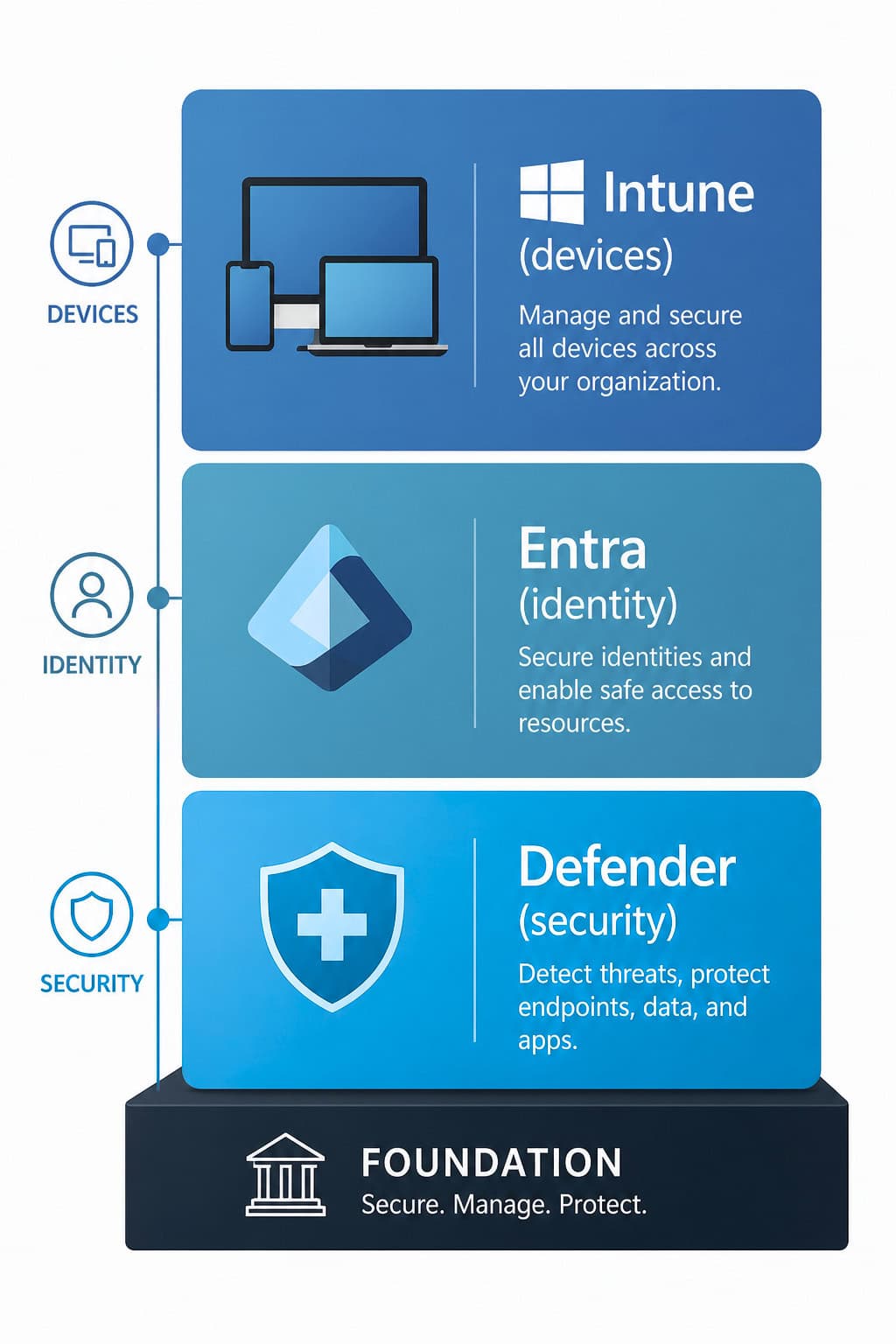
The stronger your Microsoft foundation, the smoother your migration will be.
-
Deploy Defender alongside CrowdStrike
Rather than performing a “big bang” migration:
Running both solutions temporarily minimizes risk while you verify everything is working correctly.
-
Optimize policies
Once Defender is operational, tune your security configuration.
Focus on:
Fine-tuning reduces false positives while improving protection.
-
Remove CrowdStrike gradually
After successful validation:
A phased rollout minimizes disruption while maintaining continuous protection.
Common pitfalls to avoid
Trying to recreate every CrowdStrike policy
Microsoft Defender for Endpoint works differently. Instead of duplicating configurations, embrace Microsoft’s integrated security model.
Skipping Microsoft integration
Defender delivers its greatest value when connected with Intune, Entra ID, Defender for Office 365, and other Microsoft security services.
Ignoring policy optimization
Default settings provide a good starting point, but every environment should be tuned based on business risk and operational requirements.
Migrating every device at once
Pilot deployments uncover issues before they affect your entire organization.

What good looks like after migration
When the migration is complete, organizations typically experience:
Instead of managing multiple disconnected security products, your team gains a unified security experience.
Frequently Asked Questions
Conclusion
Migrating from CrowdStrike to Microsoft Defender for Endpoint is about more than replacing an EDR platform. It’s an opportunity to simplify security, consolidate technology, and fully leverage the Microsoft security ecosystem.
Businesses that approach the migration strategically gain stronger visibility, streamlined operations, and a security platform designed for today’s cloud-first workplace.
If your business is already investing in Microsoft 365, Microsoft Defender for Endpoint may already be one of your most valuable security investments. The next step is making sure you’re getting the full benefit from it.
LEARN MORE ABOUT MIGRATING FROM CROWDSTRIKE TO DEFENDER FOR ENDPOINT

Andrew Reade
Andrew is our Digital Marketing Manager and oversees web-based marketing strategies and content creation for the organization. As a marketing veteran, Andrew has worked with organizations of all sizes in a diverse group of industries, from Risk Management to Transportation. Joining the organization in 2021, Andrew is based in Mobile Mentor’s Nashville, TN office.