
A Strategic Shift for Microsoft-Centric Security Teams
Security leaders today aren’t just evaluating detection rates, they’re evaluating architecture. If you’re running SentinelOne while already invested in Microsoft 365, the real question is whether maintaining a standalone endpoint tool still makes strategic and financial sense.
For many businesses, shifting to Microsoft Defender is a consolidation move that reduces tooling overlap, increases cross-domain visibility, and unlocks value already embedded in Microsoft licensing.
Let’s break down where the platforms overlap, where Defender extends beyond SentinelOne, and what a responsible migration looks like.
Where Microsoft Defender and SentinelOne Overlap
At the endpoint level, both platforms are strong.
SentinelOne built its reputation on autonomous EDR, behavioral AI detection, and ransomware rollback. Microsoft Defender for Endpoint Plan 2 delivers equivalent core capabilities: next-generation antivirus, behavioral detection, endpoint detection and response (EDR), and automated investigation and remediation.
Independent testing reinforces that parity. In recent evaluations by MITRE ATT&CK, Microsoft Defender has consistently demonstrated high detection coverage across attack scenarios. Additionally, Gartner has positioned Microsoft as a Leader in the Magic Quadrant for Endpoint Protection Platforms for multiple consecutive years, citing both execution and completeness of vision.
If you’re evaluating strictly on endpoint detection alone, Defender is not a downgrade.
But endpoint parity isn’t the whole story.
Identity + Endpoint Correlation
Defender integrates natively with Microsoft Entra ID, allowing identity risk signals to automatically influence device posture and access policies.
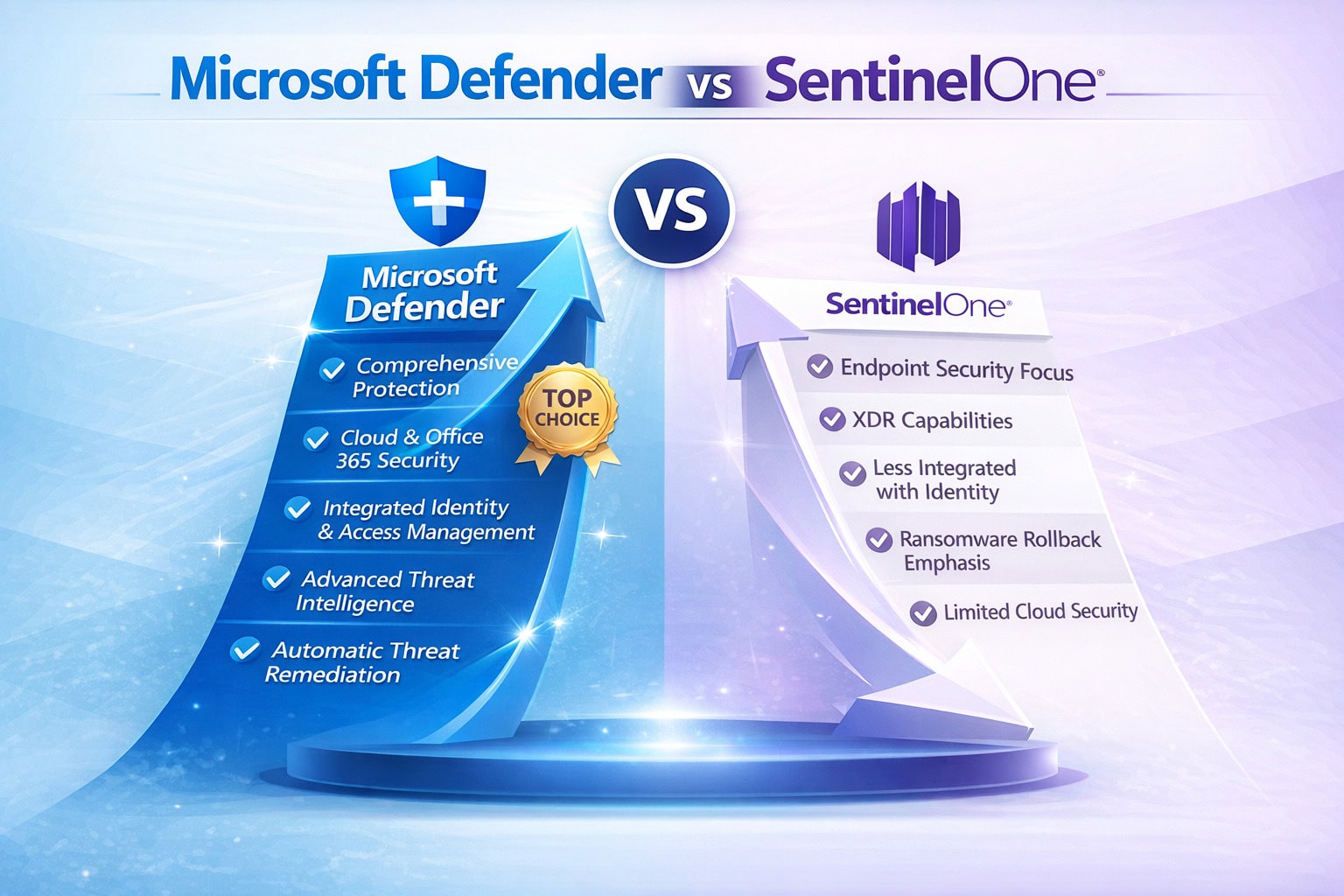
That means compromised credentials, impossible travel events, or risky sign-ins can trigger automated containment actions at the endpoint. This depth of identity integration is not native within SentinelOne.
In modern ransomware campaigns, identity compromise is often the entry point. Correlating identity and endpoint telemetry materially reduces lateral movement risk.
Email and Collaboration Integration
Defender also connects directly with:
- Microsoft Defender for Office 365
- Microsoft Exchange Online
- Microsoft Teams
Phishing campaigns can automatically correlate with endpoint compromise signals. A malicious attachment detected in email can trigger endpoint investigation, user isolation, or account remediation, all inside a unified incident experience.
SentinelOne does not provide this cross-domain automation natively.
Unified XDR
Defender XDR unifies endpoint, identity, email, SaaS apps, and cloud workloads into a single correlated incident view.
Microsoft reports that organizations adopting XDR platforms can reduce mean time to respond (MTTR) by up to 50% compared to siloed tools. Whether your SOC is internal or outsourced, fewer swivel-chair investigations translates directly to faster containment and lower operational overhead.
This is where Defender’s platform advantage becomes measurable.
Licensing: When Defender Can Replace SentinelOne
For many businesses, the financial conversation is just as compelling as the technical one.
Defender can fully replace SentinelOne in most Microsoft-centric environments when you have:
Businesses already licensed for Microsoft 365 E5 or Business Premium can often eliminate standalone EDR spend entirely by consolidating into Microsoft Defender. In contrast, maintaining SentinelOne typically requires a separate per-endpoint subscription, which can range from $45–$90 per endpoint per year depending on tier and volume.
For a 1,000-endpoint business, that difference can translate into $45,000–$90,000 in direct annual licensing savings, not including reduced tooling overhead, vendor management time, and integration costs.
Illustrative Cost Comparison (1,000 Endpoints)
| Cost Category | Microsoft Defender (E5 Licensed) | SentinelOne (Standalone EDR) |
|---|---|---|
| Endpoint License Cost | $0 incremental (included in E5) | $45,000–$90,000 annually |
| CASB (Cloud Visibility) | Included (Defender for Cloud Apps) | Separate product required |
| Email Security Integration | Included | Separate tool required |
| Identity Risk Correlation | Included (Entra ID) | Limited / external integration |
| Console Consolidation | Single security portal | Separate platform |
At scale, replacing third-party EDR across hundreds or thousands of endpoints can represent significant annual savings, depending on contract structure.
When Defender Is the Strategic Choice
Defender tends to be the stronger long-term play when:
In these scenarios, businesses often retire SentinelOne without introducing protection gaps.
How to Move from SentinelOne to Defender
A successful migration is deliberate, not abrupt.
Start by validating licensing and confirming you have Defender for Endpoint Plan 2 (or Defender for Business, depending on size). Then deploy Defender in passive mode alongside SentinelOne. This allows you to compare detections, evaluate performance impact, and ensure parity before removing the legacy agent.
Once validated, enable full XDR integration across identity, email, and cloud apps. Run simulation exercises to confirm detection and automated response behavior.
From there, remove SentinelOne in controlled phases while monitoring for gaps. Finally, streamline by tuning attack surface reduction rules, enabling automated remediation, and refining Conditional Access policies.
In these scenarios, businesses often retire SentinelOne without introducing protection gaps.
Frequently Asked Questions
Conclusion
Security leaders are being asked to reduce complexity while increasing resilience. Adding more tools rarely achieves that outcome.
For businesses already invested in Microsoft 365, moving from SentinelOne to Defender is less about swapping vendors and more about activating a unified security platform that spans endpoint, identity, email, and cloud.
The most resilient environments in 2026 won’t be the ones with the most tools.
They’ll be the ones where everything works together.
LEARN MORE ABOUT MIGRATING FROM SENTINELONE TO DEFENDER

Andrew Reade
Andrew is our Digital Marketing Manager and oversees web-based marketing strategies and content creation for the organization. As a marketing veteran, Andrew has worked with organizations of all sizes in a diverse group of industries, from Risk Management to Transportation. Joining the organization in 2021, Andrew is based in Mobile Mentor’s Nashville, TN office.