
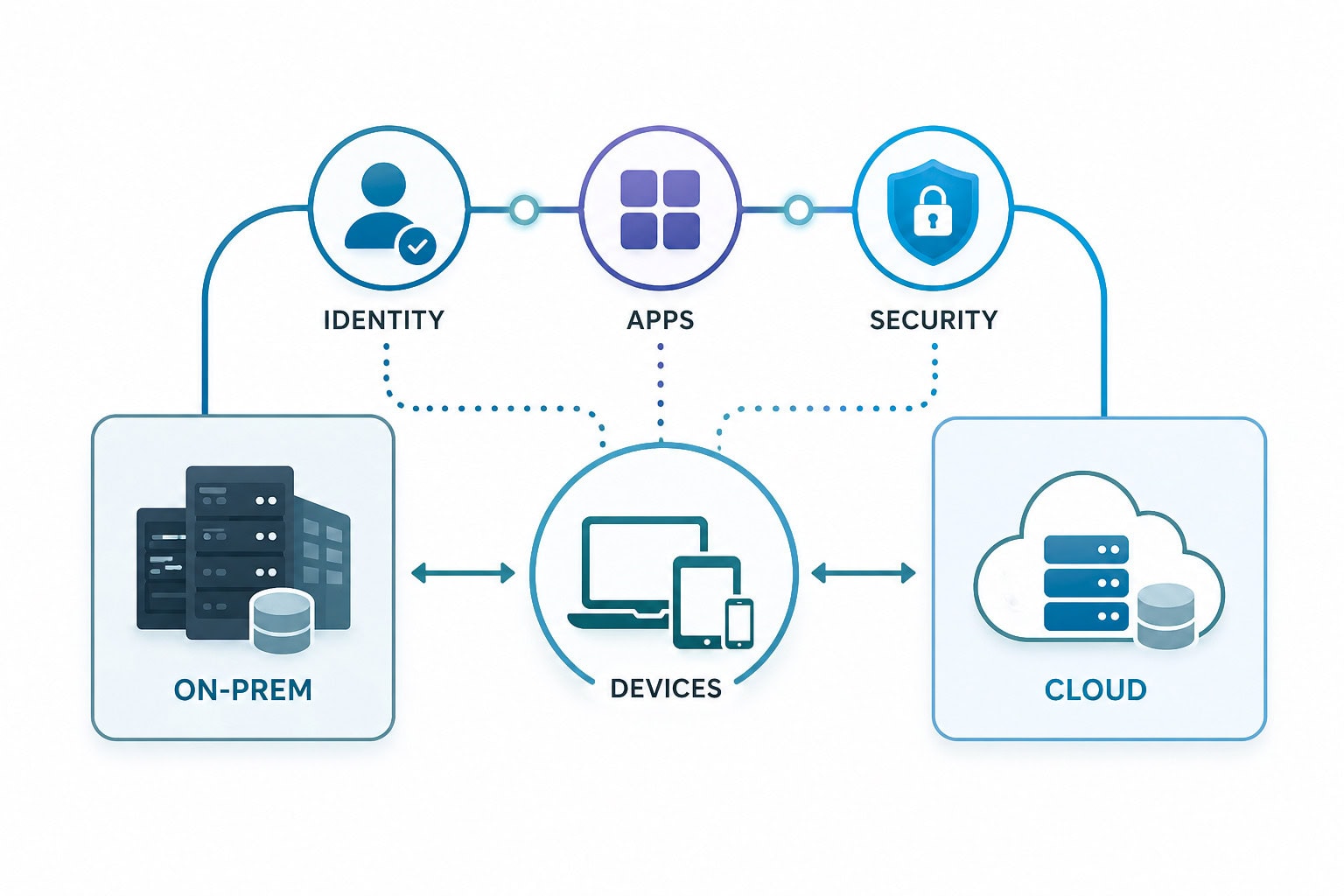
For years, Microsoft System Center Configuration Manager (SCCM) was the backbone of endpoint management. It still works, but it was built for a different era: domain-joined devices, corporate networks, and tightly controlled perimeters.
That’s not how people work anymore.
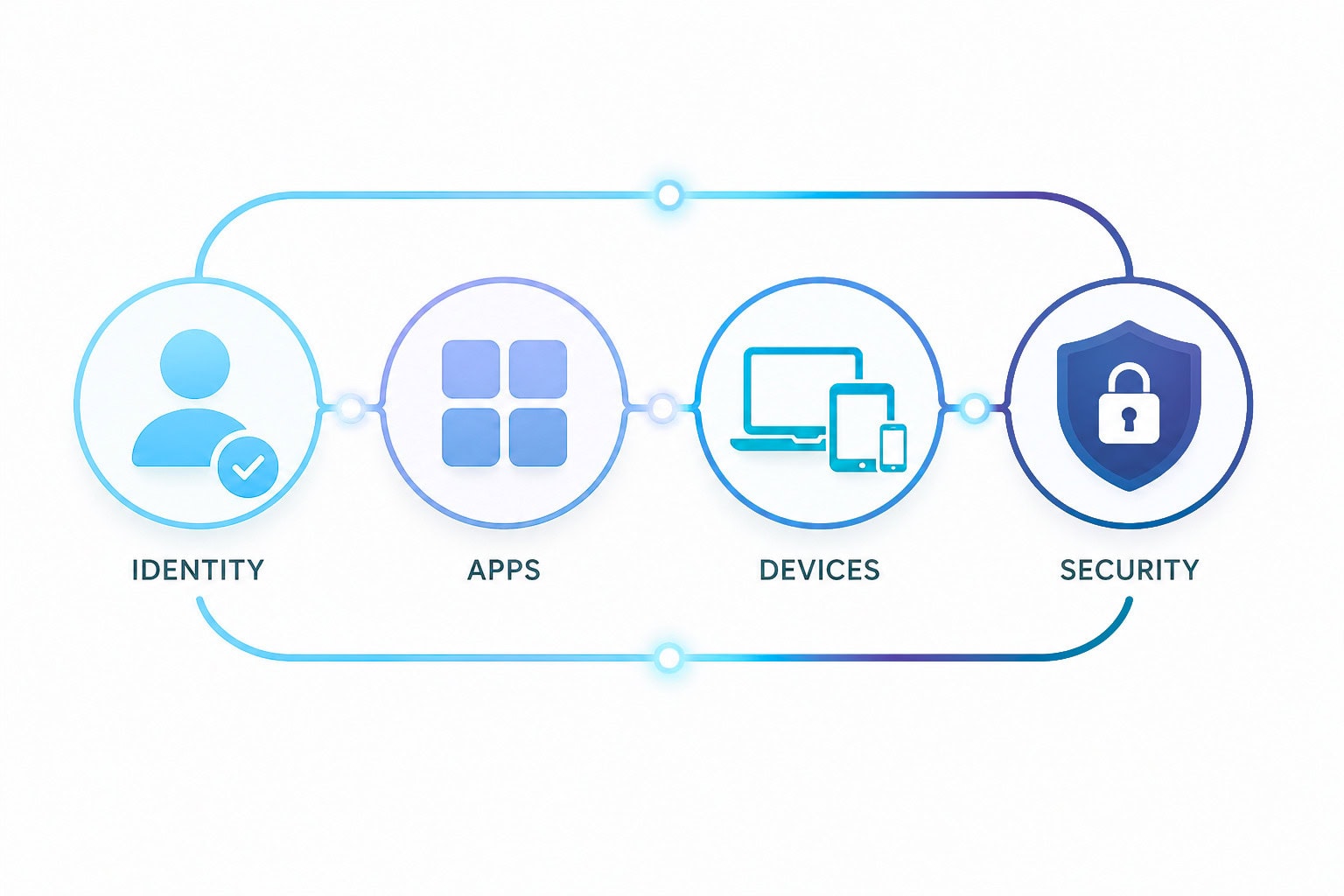
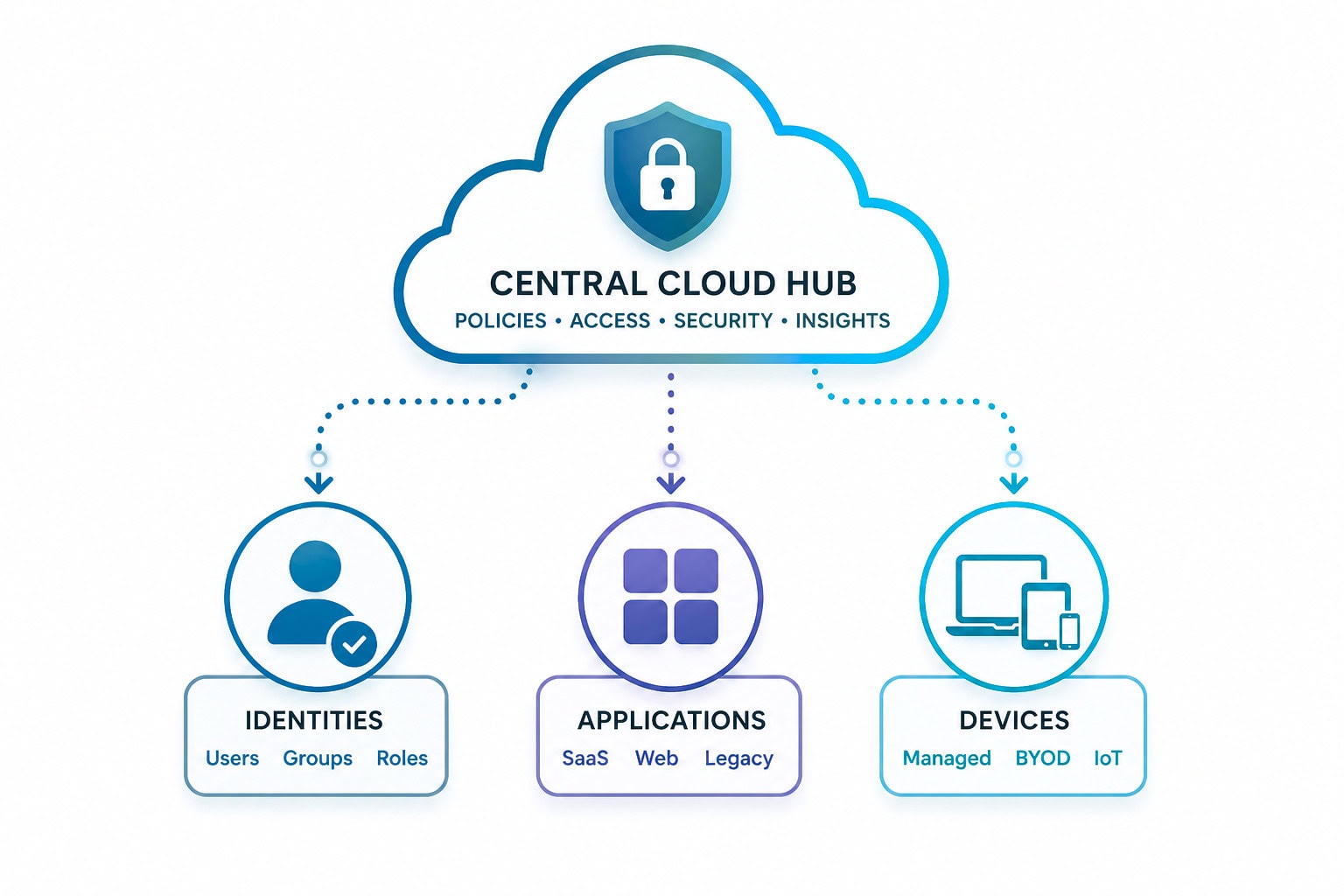
Microsoft Intune represents a shift to cloud-native management. It’s identity-driven, internet-based, and designed for mobility, security, and scale. Moving from SCCM to Intune isn’t just a tooling change. It’s a transformation in how you manage devices, applications, and security.
This guide covers how to migrate from SCCM to Intune, including architecture decisions, co-management, application migration, and common pitfalls to avoid.
Start with strategy
A successful SCCM to Intune migration strategy begins with clarity:
Too many teams jump straight into “how to connect SCCM to Intune” without defining the end state. That leads to hybrid sprawl that never gets simplified.
Best practice: Define your target operating model first, then design the migration path backward from there.
- 1
Add Intune subscription to SCCM
- 2
Configure Azure AD integration
- 3
Enable co-management
- 4
Enroll devices into Intune (automatic MDM enrollment)
- 5
Assign pilot collections
Co-management gives you flexibility, but that doesn’t mean moving everything at once.
Recommended workload order:
- 1
Compliance policies
- 2
Conditional access integration
- 3
Endpoint protection (Defender)
- 4
Windows Update policies
- 5
Applications
- 6
Device configuration (GPO replacement)
- 1
Trying to replicate SCCM in Intune
Different architecture. Different mindset.
- 2
Overlooking application complexity
Apps take longer than expected, plan for it.
- 3
Poor device segmentation
Pilot groups are critical. Avoid “big bang.”
- 4
Legacy dependencies
File shares, VPNs, and domain join slow you down.
- 5
Reporting gaps during transition
Expect temporary fragmentation.
Conclusion
The real question isn’t “how to migrate SCCM to Intune step by step.”
It’s whether you’re ready to leave behind:
Organizations that get this right don’t just “connect SCCM to Intune.”
They simplify, modernize, and reduce risk, all while giving users a better experience.
That’s the outcome worth aiming for.

Andrew Reade
Andrew is our Digital Marketing Manager and oversees web-based marketing strategies and content creation for the organization. As a marketing veteran, Andrew has worked with organizations of all sizes in a diverse group of industries, from Risk Management to Transportation. Joining the organization in 2021, Andrew is based in Mobile Mentor’s Nashville, TN office.